
Choose a template
Pick a layout for the video you want to make. Choose a portrait or landscape format.
PORTRAIT · VIDEO TEMPLATESTEMPLATES · PORTRAIT 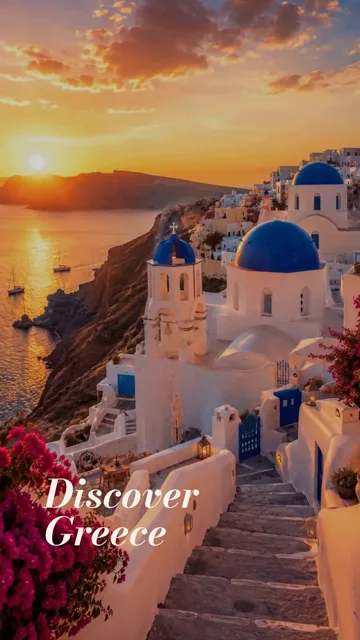
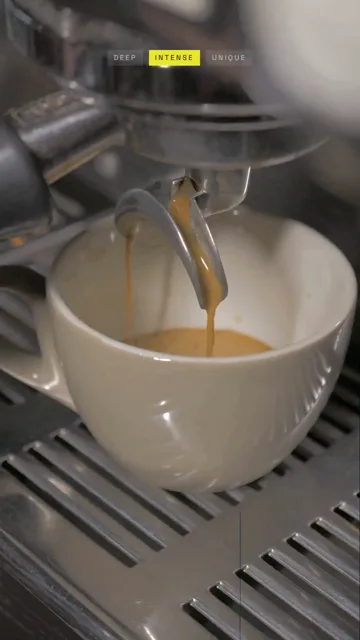
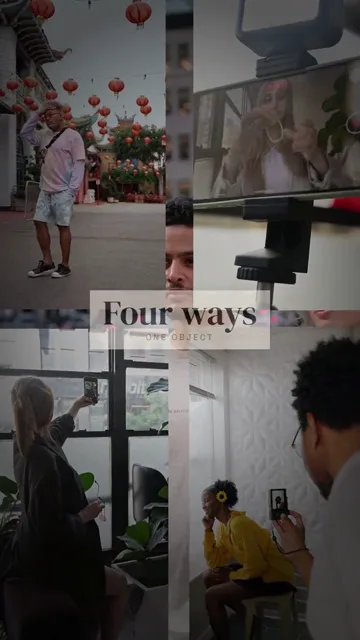
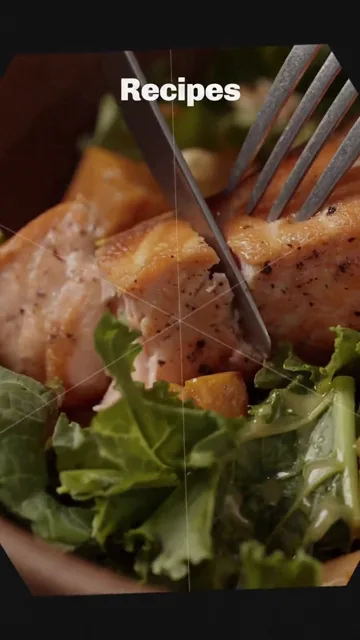
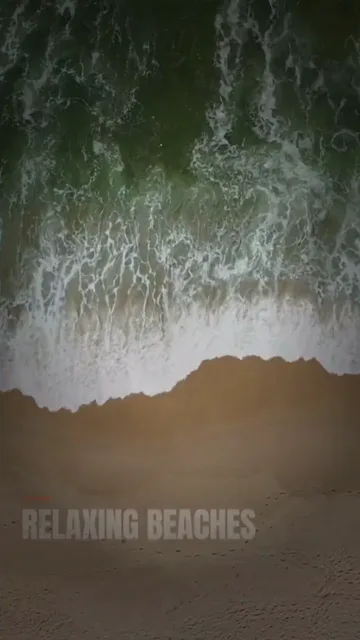
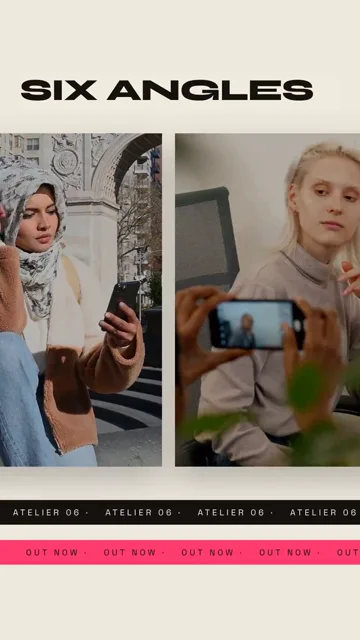
ONLINE VIDEO EDITOR
Create videos directly in your browser. Choose a template, add your photos, clips and text, then preview and download your finished video. Create vertical videos for Reels and Shorts, or landscape videos for wider screens.
50 free credits to try it. No subscription.
INSIDE THE VIDEO EDITOR
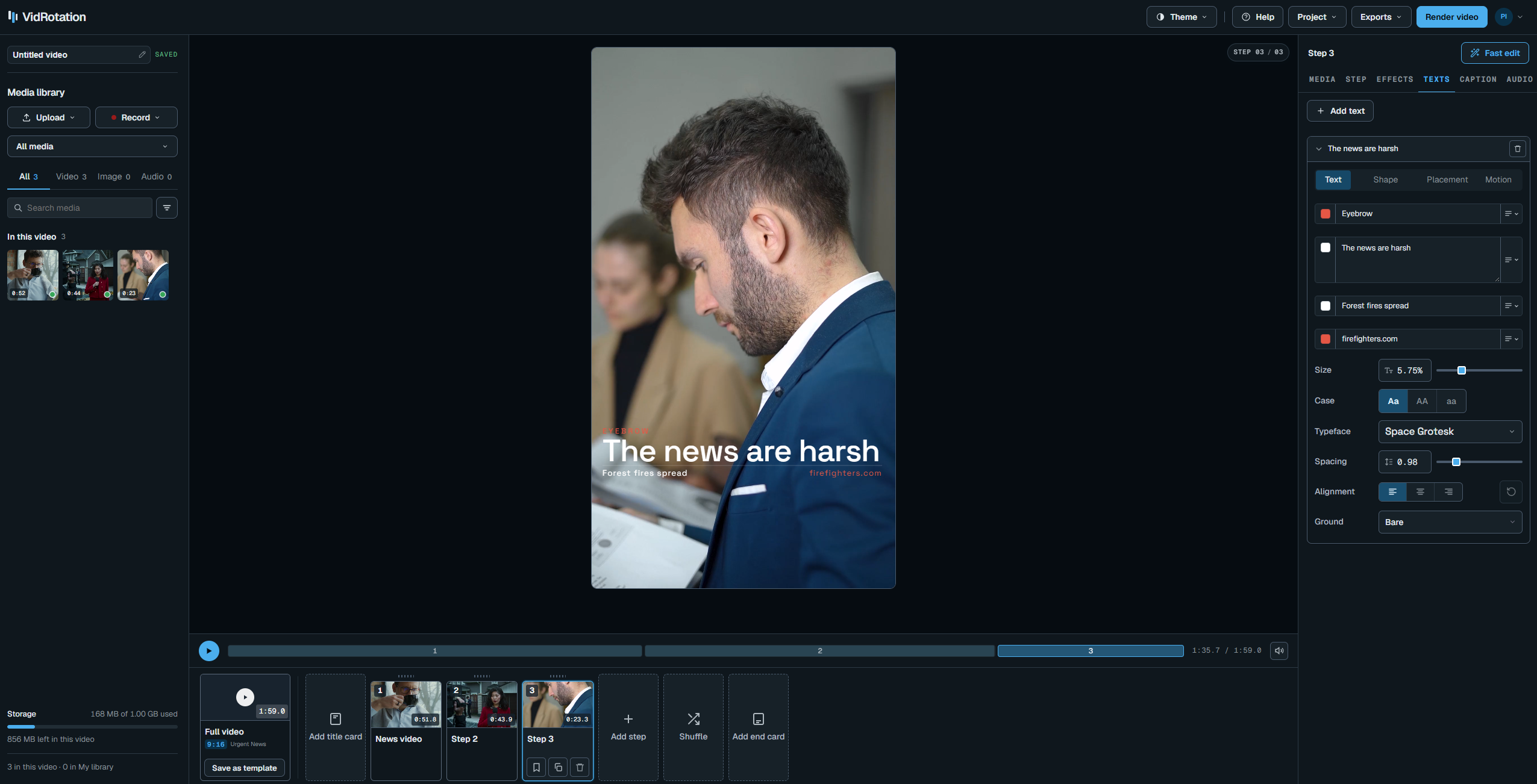
Add your content, edit each step and preview the full video directly in your browser.
HOW IT WORKS
Each template contains one or more steps.
Add your media and text to each one.
Pick a layout for the video you want to make. Choose a portrait or landscape format.
PORTRAIT · VIDEO TEMPLATESOpen each step and choose the photos or clips it should show. Add your text and adjust the available settings.
STEP 2 OF 4 · PHOTO, TEXT, SETTINGSPlay the preview and make any changes. When you are ready, create the finished video and download it.
FOUR-WAYS.MP4 · 9SKeep your colours, fonts, text and media together. Choose them while editing, so you can reuse the same resources across your videos.
Optional. Set up a brand whenever you need one.
Save your brand colours and choose them when styling text and other elements.
Upload your fonts and use them in your video text.
Save taglines, contact details and other text you use often. Insert them while editing.
Save a video step, such as an opening or closing step. Add an editable copy to another video.
Keep photos, logos and clips in your brand library so you can use them again.
API
Create a video in the editor, then click its API button to copy the request. Use that request in your own application to create videos programmatically.
Make the video as usual.
Click the API button on the video.
Send it to POST /v1/videos.
PRICING
Buy credits when you need them. Creating a finished video uses credits, and the editor shows an estimate before you start. Credits do not expire.
All packs are one-off purchases. Your account includes 50 free credits and 3072 MB of media storage.
€10
1,000 credits · one-off purchase
About 59 videos*
All templates included
Credits do not expire
Buy Starter€25
2,750 credits · one-off purchase
About 162 videos*
All templates included
Credits do not expire
Buy Studio€50
6,000 credits · 20% extra ·one-off purchase
About 353 videos*
All templates included
Credits do not expire
Buy Agency*Illustrative estimate for 30-second videos at 1080p. Credit use varies with your media and settings. You’ll see the estimate before creating a video.
GET STARTED
Choose a template, add your content and try it with your 50 free credits.